On affected Apache setups, an attack can start before the website’s own code runs. Keeping the site and its plugins up to date will not repair the PHP software underneath them.
The October 21 release fixes CVE-2026-109618 and CVE-2026-109619. Linux administrators and hosting providers need to update PHP itself, restart the affected services, and check that their websites are using the repaired version. The risk extends beyond Apache, although the conditions for an attack differ between server setups.
Which Websites Are at Risk?
Any website served by an affected PHP installation needs attention. PHP’s warning covers Apache with mod_php, PHP-FPM, php-cgi, FrankenPHP, and LiteSpeed. These are different ways of running PHP, the software that powers applications such as WordPress. Choosing one server setup over another does not remove the need to check for an update.
PHP’s security notice identifies affected web-serving setups, including Apache mod_php, PHP-FPM, php-cgi, FrankenPHP, and LiteSpeed. Source: PHP.net security notice, October 21, 2026
The clearest demonstrated attack targets Apache’s mod_php, which runs PHP inside the web server. A specially crafted web request can reach the flaw before the site’s own code starts. That means a website login cannot stop this attack. The attacker would gain the permissions of the account running the web request, not automatically full administrator access.
PHP-FPM, a separate service that processes PHP requests, avoids that exact startup sequence. It still has exposure through other paths that depend on the application or configuration. The distinction helps administrators assess urgency, but it does not make an unpatched PHP-FPM installation safe.
What Changed in the Emergency PHP Update?
PHP released versions 8.5.12, 8.4.27, 8.3.36, and 8.2.35 to address the flaws. Both problems involve how PHP handles memory and errors while processing web requests. They affect the engine running the website, so updating a theme, plugin, or content management system will not install the repair.
PHP’s OOM-corruption advisory lists affected branches and the four patched upstream releases. Source: PHP security advisory GHSA-w8hw-w9fx-j79w
CVE-2026-109618 can leave PHP working with incomplete data after it runs out of memory. The cleanup that follows can turn that error into an opportunity to execute code. CVE-2026-109619 can leave behind references to memory from an earlier request, allowing a later request handled by the same process to reach data that should no longer be used.
The upstream OOM-state advisory, where OOM means out of memory, and the persistent-state advisory explain the tested attack paths. For website owners, the immediate question is simpler: has the host installed the PHP fix, or only updated the website’s files?
LinuxSecurity’s Effective Strategies to Secure PHP on Linux Web Servers for Safety covers the wider work of securing a PHP site. Those ongoing checks still matter, but this release requires a separate update to the engine.
Red Hat Urges Customers to Patch Outside Normal Windows
Red Hat said in an October 21 statement that it had participated in the coordinated disclosure process and worked on fixes and mitigations before the vulnerabilities became public. Its entries for CVE-2026-109618 and CVE-2026-109619 provide guidance for Red Hat products.
“Given the potential impact of these vulnerabilities, Red Hat recommends that customers deploy validated, tested patches as soon as they are available from trusted sources including Red Hat, even outside of normal patching windows,” said Gunnar Hellekson, vice president and general manager, Lightwell, Red Hat, in the statement.
Red Hat rates the issues Important for its products and notes that standard Red Hat Enterprise Linux deployments use PHP-FPM. That product-specific assessment differs from PHP’s critical rating. Customers should follow the guidance for their installed packages while arranging the update.
What Linux Administrators Should Do Now
Start with the PHP installation actually serving each website. A server can have several copies, and the version shown at the command line may differ from the one the website uses. Hosting panels and containers can also carry separate installations, so checking one site does not clear the others.
Install the fixed package from the supplier responsible for that installation. Linux distributions often backport a repair, adding it to an older release without changing to the newest upstream version. Ubuntu’s trackers and the Ubuntu PHP update notice list the relevant packages; the Debian PHP 8.2 update gives Debian 12 users a package to check. Debian also tracks the vulnerability’s status across its releases.
Ubuntu’s PHP security notice lists fixed package versions for Ubuntu 24.04 LTS and 22.04 LTS. Source: Ubuntu security notice USN-8948-1
Restart the affected Apache or PHP-FPM services after installing the packages, following the vendor’s instructions. Replacing files on disk can leave old code running in an existing process. Confirm the corrected package is active, then test normal site functions such as logins and uploads. Linux Patching Best Practices: Designing a Patch Validation Workflow provides a broader process for checking an update.
If a hosting provider manages PHP, ask which fixed package each site is running and whether the affected services have restarted. For PHP 8.1 and older, confirm whether your distribution or support provider supplies a backported fix. Minimal source patches for some older branches do not restore full upstream support.
PHP says updating is the only complete solution. Temporary configuration changes block particular attack paths, but none makes an affected installation safe. Administrators who cannot patch immediately should follow the upstream advisory for their exact setup rather than assume a firewall or a single setting covers both flaws.
A Leak Brought the Release Forward
The PHP Foundation says the release was moved from October 22 to October 21 after the vulnerability identifiers began circulating publicly. Demonstration material also appeared before disclosure. At release time, the PHP team said it had found no functional exploits among the public examples it inspected; that statement does not establish whether attacks occurred later.
The Foundation also acknowledged that work on the memory problem had stalled after warning signs emerged in 2024. Difficult compatibility decisions and a shortage of developers with deep engine knowledge delayed the repair. Later reports from Calif, OpenAI, and Wiz clarified the impact and made fixing it the team’s top priority.
Earlier PHP problems, covered in PHP: Critical Updates For Information Exposure And Code Execution Risks, also required attention below the website’s application layer. For these PHP vulnerabilities, the action is to confirm that every site is running a fixed engine, including sites whose plugins and application code are already current.
Questions About the PHP Vulnerabilities
Does Updating WordPress Fix These PHP Vulnerabilities?
No. A WordPress update normally changes the application’s files, while these flaws require a PHP update. Your Linux distribution, hosting provider, or container supplier usually provides that separate package.
Is PHP-FPM Affected?
Yes. PHP-FPM has exposure through paths that depend on the application or configuration, even though it avoids the demonstrated mod_php startup attack. Check the vendor’s guidance and install the fixed package.
Which PHP Versions Contain the Fixes?
The fixed upstream releases are PHP 8.5.12, 8.4.27, 8.3.36, and 8.2.35. Distribution packages may use different version numbers because vendors backport the repairs; use the full package version in your vendor’s notice.
Get more original Linux security research by subscribing to the LinuxSecurity newsletter.
Related Reading
- Effective Strategies to Secure PHP on Linux Web Servers for Safety
- PHP: Critical Updates For Information Exposure And Code Execution Risks
- Linux Patching Best Practices: Designing a Patch Validation Workflow
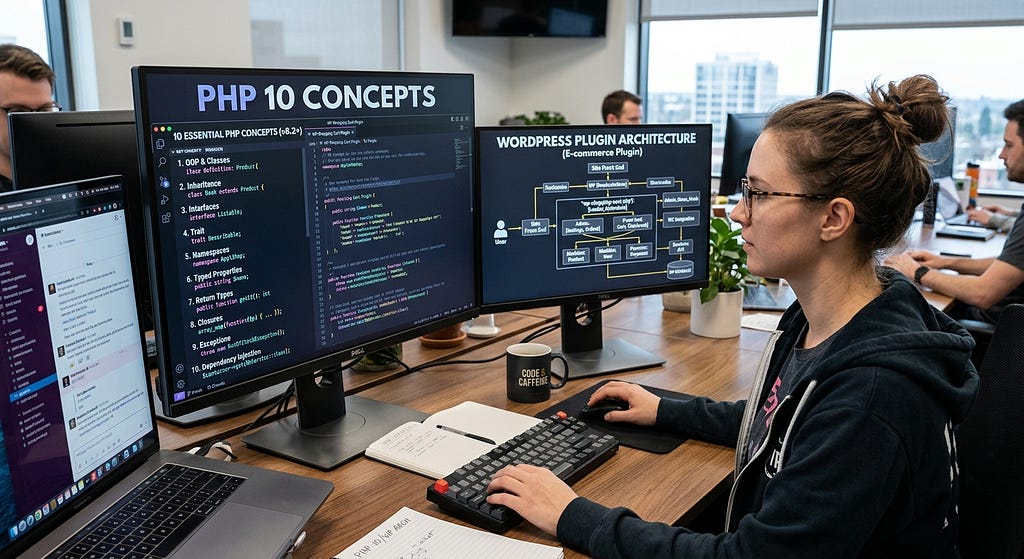
Image credit: PHP logo by Colin Viebrock, licensed CC BY-SA 4.0; resized and placed on the monitor.



Комментарии (0)
Пока нет комментариев — будьте первым.